Desktop app
The pipeline that drew every map on this site, behind a window, for people who do not use a terminal. It runs on macOS and Windows. It is new: expect rough edges, and expect things to change between releases.
Give it a city’s published GTFS timetable and it makes the same things the atlas is made of: a schematic map straightened onto a 45° grid, and a running animation of the service day across it. Then it exports them as stills, reels and GIFs sized for Instagram, LinkedIn, Bluesky and X. Everything happens on your own computer.
What it does
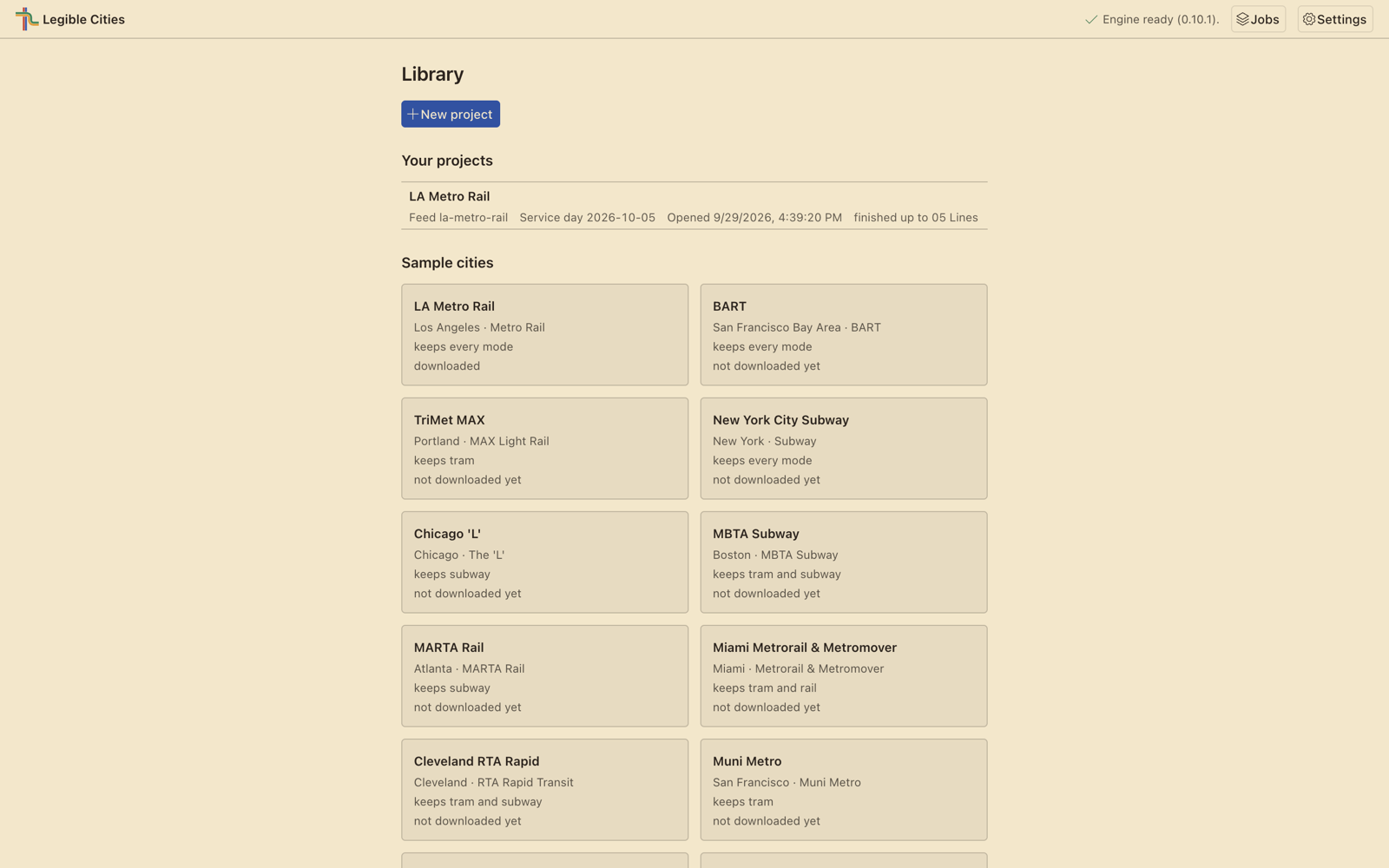
Start from a sample city, one of the networks the atlas already draws: one press makes a project, downloads the feed and lays it out. Or start from your own feed, a GTFS zip on your computer or one at a web address.
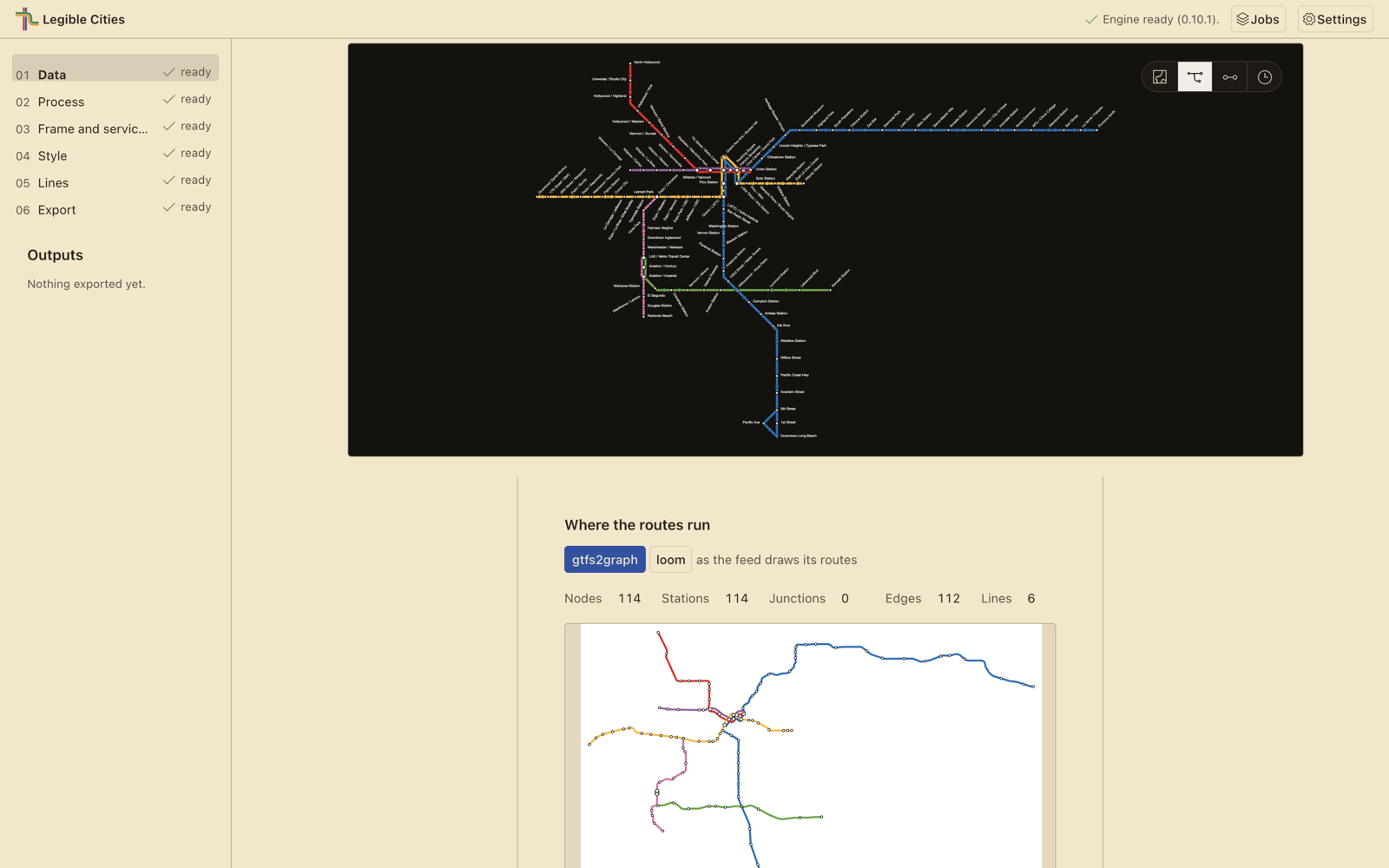
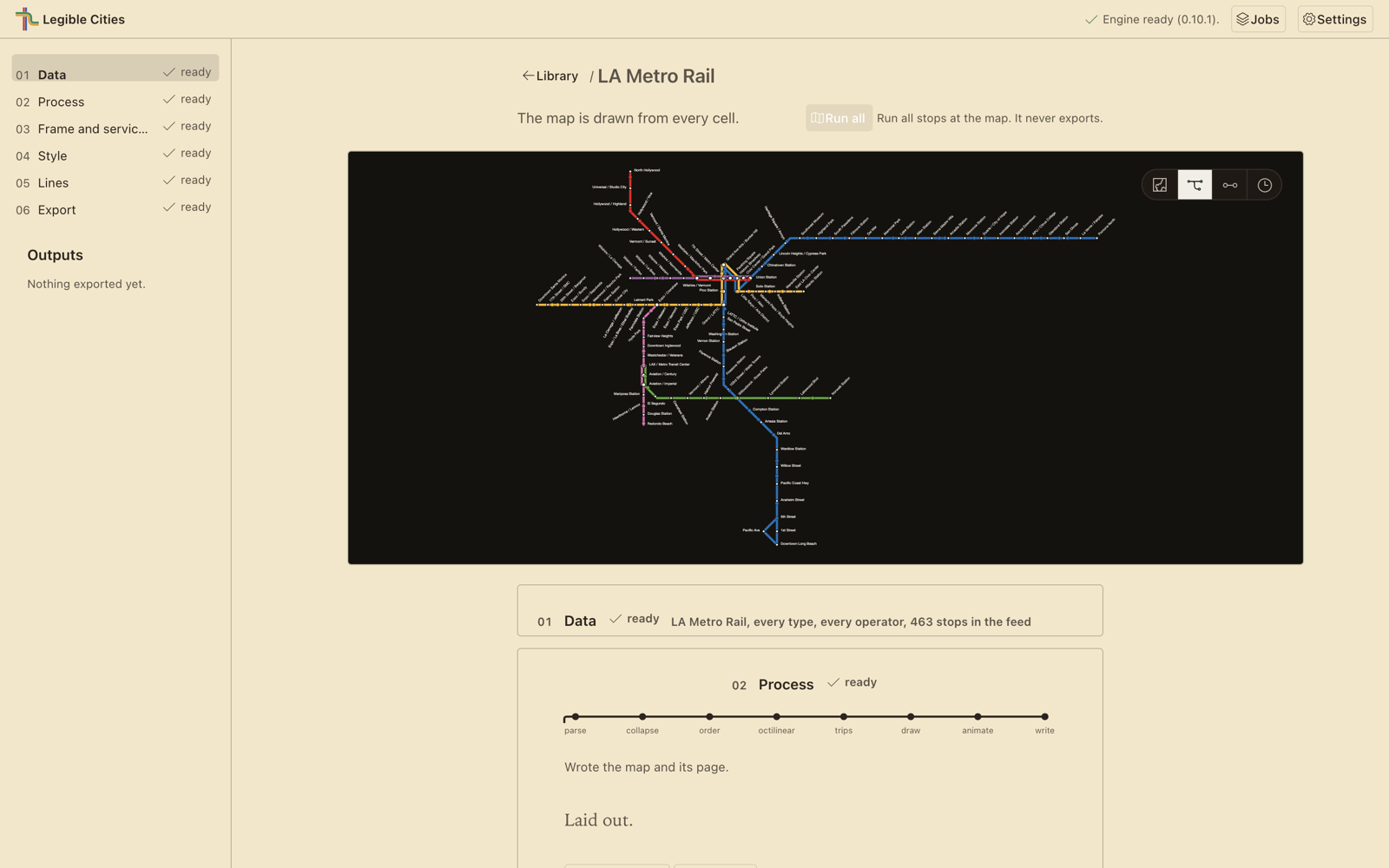
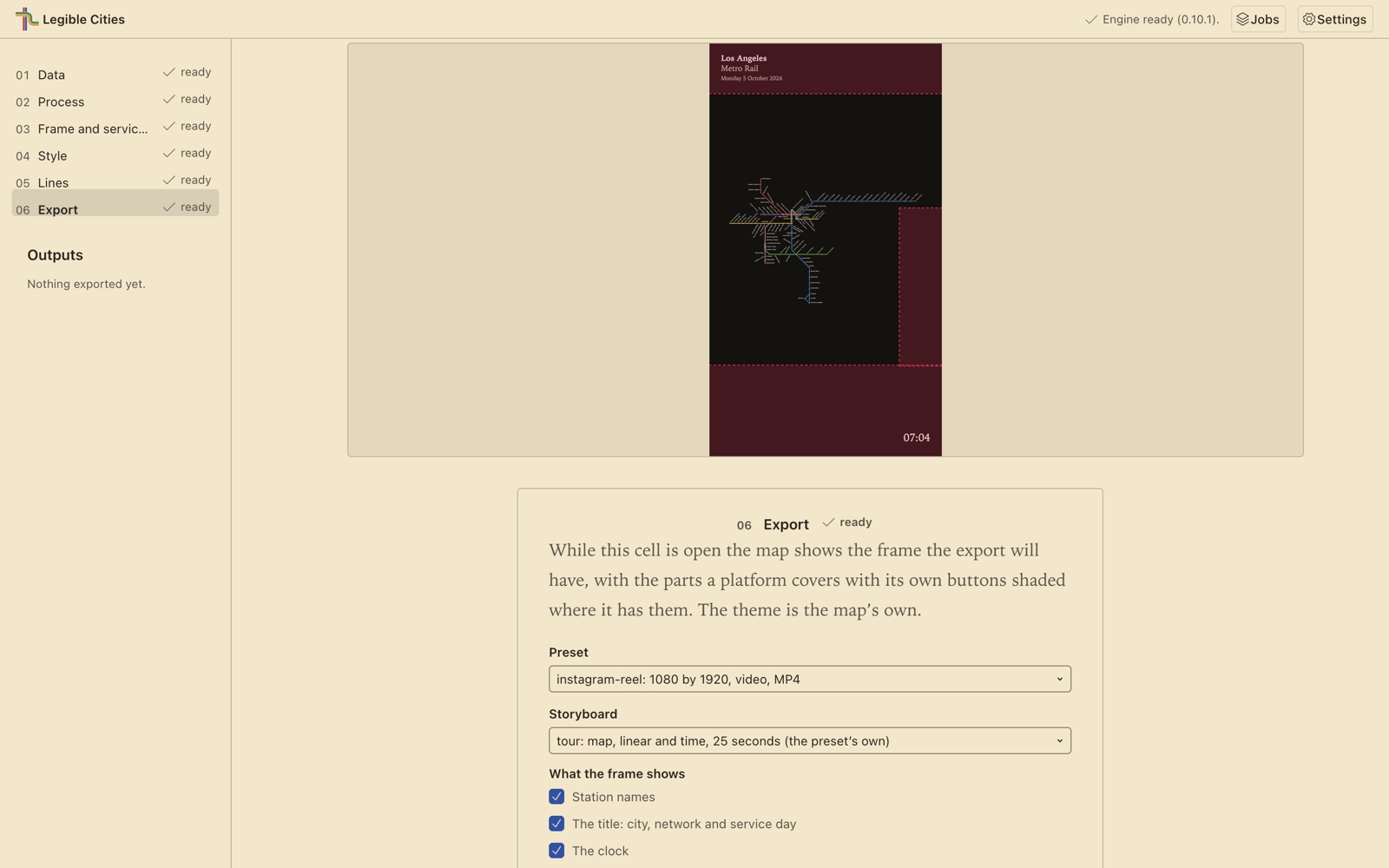
A project opens as a notebook of six numbered cells, under a map that stays in view while you work down them:
- Data. Read what is in the feed: its routes, operators and service window, and the network drawn where it really runs. Choose which mode and which operator to keep.
- Process. Lay the network out, stage by stage, and read what the build had to fudge. The layout is computed once and stored, so every map and export drawn from it afterwards matches.
- Frame and service day. Pick the day the map is drawn for, scrub its clock, play the day and set the speed.
- Style. A dark or a sepia map.
- Lines. Each line’s colour, and the order the lines stack in.
- Export. A still, a reel or a GIF, from presets for each platform.
Download
Download Legible Cities from the Releases page, choosing the file for your computer from the release’s Assets:
- a Mac with Apple silicon: the file ending in
-mac-arm64.dmg - a Mac with an Intel processor:
-mac-x64.dmg - a Windows PC:
-windows-x64-setup.exe
The installers are not signed yet. The first time you open the app, macOS or Windows will warn you before letting it run. The install guide shows how to get past that warning on each system, what the app writes and where, and how to remove it completely.
What you need
- A Mac with macOS 13 Ventura or later, Apple silicon or Intel; or a PC with Windows 10 or Windows 11, 64-bit.
- About 1 GB of free disk space for the app, and more for the feeds you add and the maps and videos you make.
- An internet connection only to download a feed from its web address. Laying out a map and exporting it happen on your computer, and the app carries everything it runs: there is nothing else to install.
Licence and credit
Free software
The app is released under the GNU General Public License, version 3 or later. Its source is on GitHub, and every release carries, beside the installers, the source of the GPL-licensed software bundled inside them. Every component the app bundles, with its licence, is listed in the third-party notices, which the app also opens from its own Settings.
LOOM — Hannah Bast, Patrick Brosi and Sabine Storandt
The schematisation inside the app is LOOM, from the Chair of Algorithms and Data Structures at the University of Freiburg: the same four stages described on the framework page, built as native programs for each system and bundled, so the app needs no Docker. LOOM is released under the GPL-3.0. Its Windows build uses the compatibility changes of Transport for Cairo’s Windows port.
Esri — Calcite UI icons
The four view icons in the animation page the app shows are Calcite UI icons, copyright Esri, redistributed unmodified under the terms of the Esri Master License Agreement. They are not open source.
The transit agencies
A map made with the app derives from the feed it was made from, and remains subject to that agency’s terms. The rest of the people this project rests on are credited on the framework page.